ConstructionClock is now SupercrewRead more →
Time Tracking
Hours that track themselves
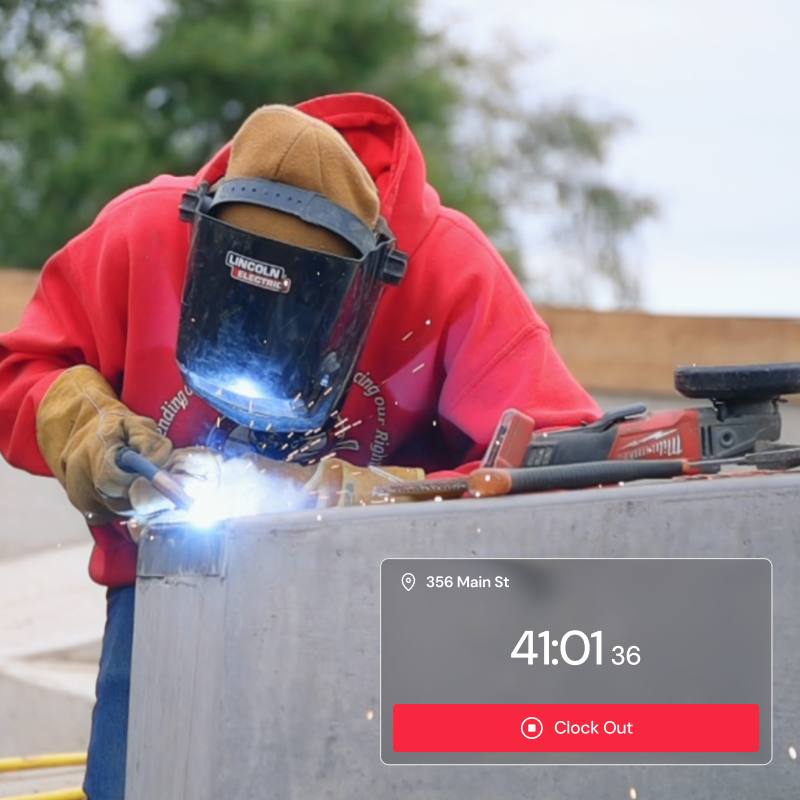
Crews clock in just by walking on site. Supercrew records every minute automatically — GPS-stamped, accurate, and ready for payroll. No timesheets, no buddy punching, no rounded hours.
Three ways to clock in
Flexible by design — match tracking to how each crew actually works.
Built for how crews actually work
Everything in time tracking, in one place.
01
Travel time
Material runs and drives between sites are captured automatically and assigned to the right project.
02
Overtime
Daily and weekly overtime rules can be applied automatically as hours are tracked, so extra time is caught the moment it happens.
03
Work schedules
Set a company schedule or assign hours per employee so tracking matches real shifts.
04
Live location map
See who is on each job site in real time, with arrival and departure times for the crew.
05
Add & edit hours
Fix missed punches, log a reason, and adjust time right from the dashboard.
06
By crew & project
Hours roll up cleanly by employee, crew, and project for accurate labor data.
07
Adjustable radius
Tune the geofence to fit anything from a single house to a sprawling commercial site.
08
Pause tracking
Stop automatic clock-ins and live location for the rest of a day in one tap.
09
Offline tracking
Time keeps tracking with no signal and syncs the moment you are back in range.
Timesheets
Digital timesheets, built as you go
Tracked time turns into timesheets automatically. At the end of each pay period a clean summary shows every worker's total hours, travel time, unpaid breaks, and earnings — review it, fix a missed punch, and you're done.
Approved hours export anywhere
One click to payroll and accounting — no double entry.
Payworks
QuickBooks
Xero
XLSX
PDF
Stop chasing hours. Start tracking automatically.
Set up your first job site in five minutes and let the clock run itself.
No credit card · No contracts · 7-day trial