ConstructionClock is now SupercrewRead more →
Crew Communications
Photos and notes, filed as they happen
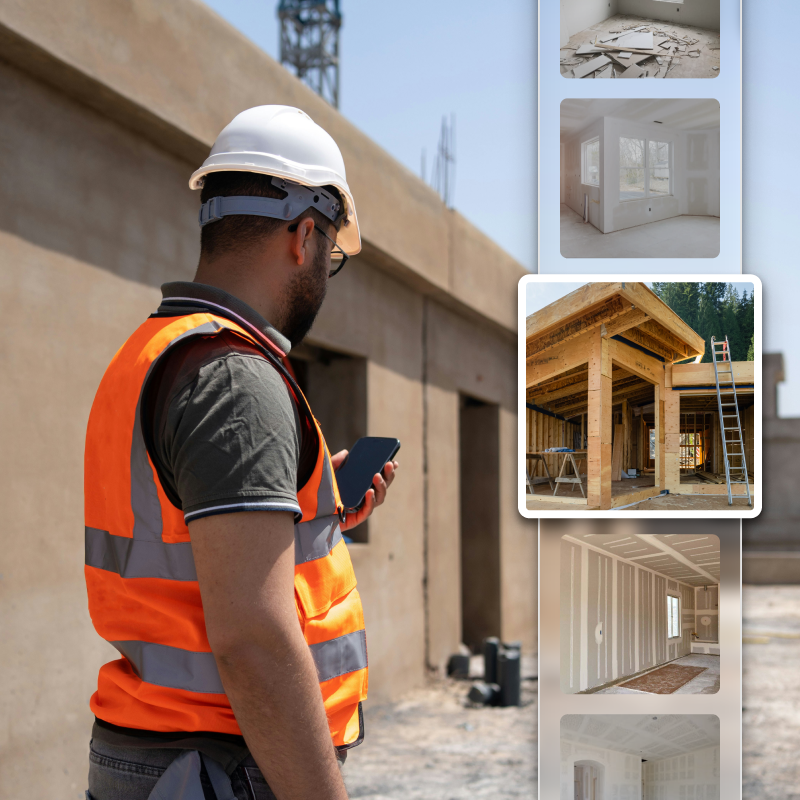
Crews document the job from where they are standing. Every photo and note is time-stamped and filed against the right site, so the record builds itself while the work happens.
How the job gets documented
Two inputs from the field, one record that keeps them.
Built for a phone in a work glove
Everything in crew communications, in one place.
01
Photos from the field
Snap it on site and it files itself against the job.
02
Field notes
Log what happened the moment it happens.
03
Automatic time stamps
Every photo and note carries the date and time it was taken.
04
Photo timeline
A dated, ordered record of the whole job.
05
Filed to the right job
No loose camera roll — every item lands on the correct site.
06
Offline capture
Shoot and write with no signal; it uploads when the phone reconnects.
07
Dispute protection
A time-stamped record that settles disagreements fast.
Dispute protection
A camera roll is not a record
Photos scattered across half a dozen phones prove nothing when a GC or a homeowner questions the work. Every photo and note in Supercrew is time-stamped, attributed, and tied to the job — pull it up in seconds.
Field documentation ties into the rest of Supercrew
Photos and notes connect back to the job, the crew, and the hours.
Job Sites
Time Tracking
CompanyCam
Reporting
Crew App
Document the job while it happens.
Set up your first job in five minutes and let the field record itself.
No credit card · No contracts · 7-day trial